June 19, 2026

 Written by Jason Letts
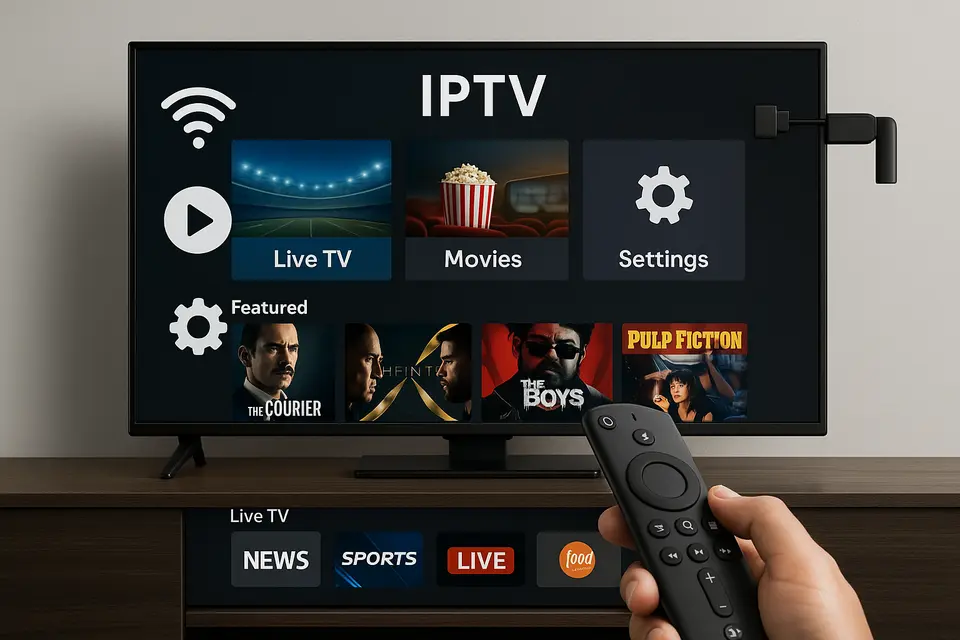
Are you ready to explore the world of IPTV for Firestick? This guide will walk you through everything you need to know about setting up and optimizing your IPTV experience. From choosing reliable services to troubleshooting common issues, we’ve got you covered.
Finding the best IPTV for Firestick involves ensuring that the service you choose fits both your viewing habits and location. Here’s what you need to consider:
Start by identifying your must-have channels. Do you need international sports, regional programming, or specific genres? This will help narrow down your options.
Additionally, make sure the service provides trial periods or money-back guarantees, as this indicates confidence in their service quality. [Source](https://ipvos.com/blog/iptv-free-trial-complete-guide)
Setting up IPTV on your Firestick can be achieved in a few simple steps:
Update your Firestick to avoid compatibility issues. Go to Settings → My Fire TV → About → Check for Updates.
Navigate to Settings → My Fire TV → Developer Options and enable Apps from Unknown Sources.
Use either the Amazon Appstore or sideload using the Downloader app. [Source](https://ipvos.com/blog/iptv-smarters-to-firestick/)
Input your M3U URL or Xtream Codes in the app’s settings to start streaming. [Source](https://ipvos.com/blog/iptv-playlist-management-optimization-guide)
Open several channels to verify functionality.
Choosing the right Firestick IPTV app can significantly affect your experience. Here are three recommended options:
This app is known for its user-friendly interface and multiple profile support.
Best for users who prioritize live TV with extensive EPG features. [Source](https://ipvos.com/blog/tivimate-leading-iptv-player)
This lightweight app is perfect for advanced users seeking customization.
Even the best setups can run into problems. Here are some common troubleshooting tips:
Ensure all credentials are entered correctly, and verify your subscription status.
[Source](https://ipvos.com/blog/iptv-not-working-troubleshooting-guide)
To ensure optimal performance:
Always choose legitimate providers to avoid legal issues. Keep apps updated to mitigate potential threats.
IPTV technology itself is legal; however, using it depends on whether the service has licensing rights for the content it provides.
VPN usage can enhance privacy and help avoid ISP throttling, but it’s not mandatory.
Most providers allow for multi-connection plans; check your service’s details for specific limits.
Not all apps need sideloading, but some require it if they are not available in the Amazon store.
Start with choosing a legal IPTV provider, then follow setup and configuration steps in order for optimal results.
© 2025 iPvos All Rights Reserved | Terms | Privacy Policy | Refund Policy | Copyright Disclaimer | Affiliate Program| Blog